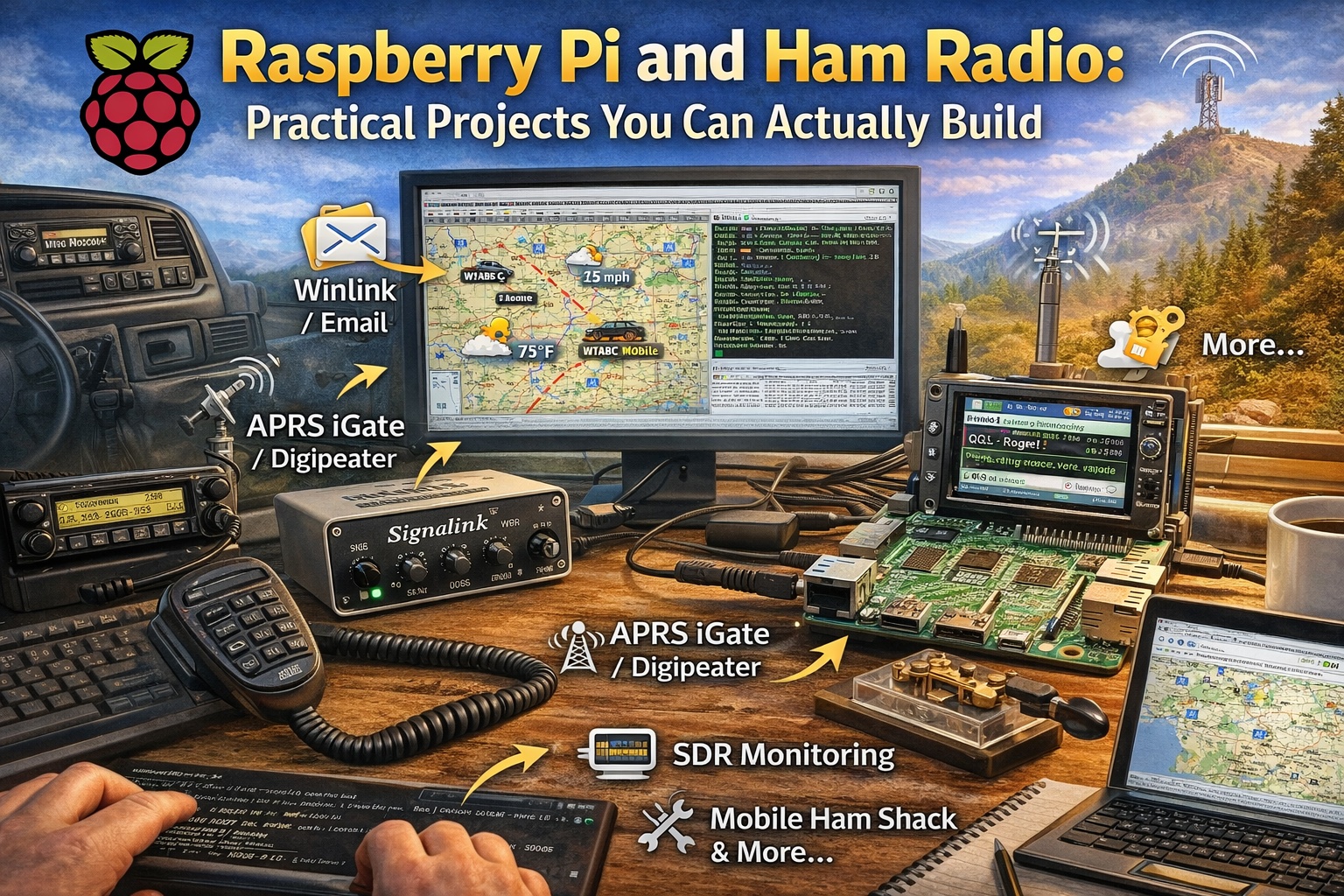
Raspberry Pi and Ham Radio: Practical Projects You Can Build In Your Shack
The Raspberry Pi has become one of the most useful tools in modern ham radio. It is small, inexpensive, and powerful enough to run real radio services around the clock. When paired with the right software and a little patience, it can replace a full-size computer for many station tasks.
If you like building, learning, and experimenting, the Raspberry Pi fits ham radio perfectly.
What makes a Raspberry Pi Useful For Hams
A Raspberry Pi is a Linux computer the size of a deck of cards. It runs quietly, draws very little power, and can be left on 24/7. That combination makes it ideal for radio projects that need to stay running without attention.
Common advantages:
- Low power use, ideal for battery or solar setups
- Small size, easy to mount in a shack, vehicle, or go-box
- Stable operation once configured
- Large library of ham-friendly software
You do not need to be a programmer to use one, but you do need to be willing to learn.
Popular Raspberry Pi uses in ham radio
A mobile or portable ham shack computer
A Pi can serve as the “brain” of a mobile or portable station.
Typical uses:
- Digital modes like FT8 and others
- Rig control through CAT interfaces
- Logging contacts
- Remote access from a laptop or tablet
Because the Pi boots quickly and uses little power, it works well in vehicles, field operations, and emergency kits.
APRS digipeater and iGate
This is one of the most common and rewarding Pi projects.
An APRS digipeater repeats packets to extend local coverage.
An iGate moves APRS packets between RF and the internet.
A very common setup includes:
- A Raspberry Pi
- A VHF radio dedicated to APRS
- A sound interface such as a Signalink
- Direwolf as a software TNC
- Xastir for mapping and iGate functions
Once configured, this setup can run for months without intervention. It quietly improves APRS coverage for everyone in range.
Winlink and radio email
A Pi can also act as a Winlink station.
You can:
- Send and receive email over radio
- Operate during outages
- Run portable or remote setups
For many operators, this becomes a core part of emergency communications planning.
Digital voice and hotspots
Many digital voice modes rely on Raspberry Pi systems.
Examples include:
- Personal hotspots
- Digital mode gateways
- Small network bridges
These setups usually sit on a shelf and just work.
Station utility server
A Raspberry Pi can also handle support roles in your station.
Examples:
- Time synchronization with GPS
- Local web dashboards
- Log and config backups
- Status displays on a monitor in the shack
Getting Started
These projects are not flashy, but they make everything else smoother.
The part you need to hear clearly: Linux command line is required
Most Raspberry Pi ham projects require using the Linux command line.
You will need to:
- Install software with terminal commands
- Edit configuration files
- Read log files when something fails
- Set services to start automatically after reboot
This can feel intimidating at first. It gets easier fast. You do not need to memorize commands. You just need to understand what you are doing and why.
The good news is that you are not starting from scratch.
Packages, scripts, and guides already exist
Many hams have already done the hard work. They have written install scripts, setup guides, and tools that speed things up.
Inspiration… One callsign Stands Out
KM4ACK has done more than almost anyone to make Raspberry Pi ham radio projects approachable.
Five reasons his work matters
-
He showed hams that Raspberry Pi projects are achievable
His guides focus on real stations, not theory. -
Build-a-Pi lowered the entry barrier
It provided a structured way to install ham software instead of starting from a blank system. -
73 Linux expanded the idea
It moved beyond just Raspberry Pi and brought the same approach to Debian-based systems. -
His scripts solve real problems
Audio setup, GPS, networking, and common pitfalls are addressed directly. -
His teaching style works
Clear steps. No fluff. Practical results.
I want to give him full credit for inspiring my own APRS digipeater and iGate build using a Signalink, Xastir, and Direwolf. That project exists because his work showed the path clearly enough to follow.
How AI tools like ChatGPT help with Raspberry Pi projects
AI tools are a strong companion when working with Raspberry Pi and Linux.
They help by:
Explaining error messages in plain English
Helping write or fix configuration files
Drafting systemd service files so programs start on boot
Checking shell scripts for mistakes
Suggesting next steps when you are stuck
They do not replace documentation or understanding. They shorten the gap between problem and solution.
The key is how you use them.
- Paste the exact error message.
- Describe your hardware clearly.
- Explain what you already tried.
You will get better answers and fewer dead ends.
Why Raspberry Pi Belongs in Ham Radio
Ham radio has always rewarded learning by doing. The Raspberry Pi fits that tradition well.
You build something.
It breaks.
You fix it.
You learn more than you expected.
Whether it is an APRS iGate, a mobile digital station, or a quiet little server in the corner of your shack, the Raspberry Pi becomes another tool that makes your station more capable.
If you are willing to learn the command line and follow good guides, the payoff is worth it.
editor's pick
latest video

news via inbox
Nulla turp dis cursus. Integer liberos euismod pretium faucibua